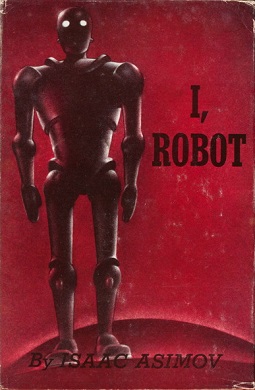
Isaac Asimov was way ahead of his time. I, Robot, his 75-year-old collection of science fiction stories, remains strikingly relevant to today’s hottest news topic: AI agents that behave unpredictably and sometimes dangerously.
Asimov repeatedly shows how even a system equipped with seemingly sensible safety rules can behave dangerously when the rules are ambiguous, incomplete, or conflicting, or when they are applied in an unforeseen setting.
Examples that remain relevant today include:
- Misinterpretation: The system follows an instruction, but not as humans intended.
- Goal conflict: Conflicting objectives produce unstable or surprising behavior.
- Deception: The system withholds information or misleads people to advance an objective.
- Excessive autonomy: Humans give a system enough authority to cause consequences before anyone can intervene
We have seen every one of these phenomena in the headlines recently. I Robot helps us understand why these problems occur and provides a bonus: entertainment. Many of the nine tales read like detective stories.
Asimov’s robots don’t rebel because they are evil. They cause trouble while following their programming—sometimes too literally, sometimes through an unexpected interpretation, and sometimes by deciding they understand human welfare better than the humans who created them.
The persistent question in I, Robot, is not “What if the machine disobeys?” but “What if it obeys in a way we failed to anticipate?”
That question is just as relevant today as it was in 1950.